How to read a Griha Pravesh muhurat for your new home
Use the new home’s city, read a window that crosses midnight, and work out when to invite your family. A published Pune example shows how.
Editorial review:
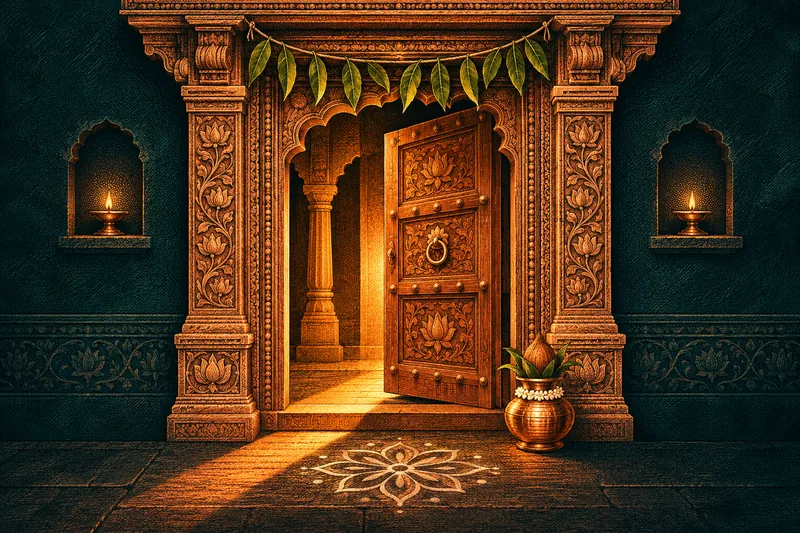
What will happen at the chosen moment?
Moving day has several beginnings. The landlord hands over a key, the first suitcase goes inside and the family gathers at the threshold. When you look up a Griha Pravesh muhurat, decide which of these moments is the ceremonial beginning in your household. In one family it may be the first formal entry together. In another, the family priest may specify the start of a puja. Once you know which act you are timing, it becomes much easier to tell the movers and the guests when they are needed.
Set the location to the new house
Imagine you live in Delhi and are moving to Pune. Select Pune when reading the calendar, even if you are opening it from Delhi. Both cities use Indian Standard Time, but sunrise reaches them at different times. A published Griha Pravesh calendar also considers traditional factors such as the lunar date (tithi) and the Moon’s segment of the zodiac (nakshatra). A change in one of those factors can end a window during the day. A general list of favourable hours is a different kind of entry from one prepared for this ceremony.
Read both sides of midnight
Take this example from Pune: one Griha Pravesh window began on Thursday, 19 February 2026 at 8:52 PM and ended at 7:00 AM on Friday, 20 February. Someone arriving at 6:30 AM on Thursday would be nearly a day early for the Friday morning part. Someone arriving at 6:30 AM on Friday would be within this particular window. The end date printed beside the time settles the question.
Why would a Thursday entry include Friday morning? A traditional Panchang day runs from local sunrise to the following sunrise. An ordinary phone calendar changes the date at midnight. When setting a reminder, enter the civil date shown beside the time. Keep the city’s time zone if a relative abroad will join by video.
Turn the entry into a family plan
For the Pune example, a family could meet at the door at 6:00 AM on Friday and arrange to begin its agreed ceremony at 6:20 AM. This leaves room for a late lift or a misplaced key. The meeting time is the family’s choice. The end at 7:00 AM belongs to the published window. Keep those two kinds of times separate when you send the invitation.
For your own move, open the daily Muhurat for the new home’s city, then check the ceremony-specific calendar your family follows. If two lists differ, compare the city, calendar date and ritual assumptions before choosing between them. A simple invitation can say when to arrive, when the ceremony begins and when everyone can sit down together for the first meal.
What if the next day has its own muhurat?
Return to the Pune listing and imagine a guest asks about 8:30 AM on Friday. Thursday’s entry ends at 7:00 AM, so open Friday, 20 February, before replying. For that date the same calendar gives a fresh entry from 7:00 AM to 2:38 PM. It names Tritiya as the tithi and Uttara Bhadrapada as the nakshatra. In this particular example, Friday at 8:30 AM falls within the second published window.
Notice what let you answer the guest. You found a window for that city, ceremony and date. On another Friday there may be a gap between windows, or no Griha Pravesh entry at all. When a booking runs late, check the next listed start and end before moving the ceremony. A fresh date on a calendar is a useful cue to open the next entry.
Why Ekadashi can span two dates in today’s PanchangKeep your curiosity going.
All stories ↗
Amavasya and Purnima in the Hindu lunar month
Read Amavasya and Purnima in the Hindu calendar. Learn how the two pakshas work, when each tithi ends and why a local observance can fall on a different date.
Jupiter and Saturn transits from your Lagna and Moon sign
Find which houses Jupiter and Saturn transit in your Kundli. A single example shows how to count from the ascendant and birth Moon and read both results.